Help Article
HubSpot Integration Guide
Learn how to integrate with HubSpot.
Last updated September 11, 2025
Section:integrations
HubSpot Integration
This guide will walk you through setting up the HubSpot integration with Amolino.
You need to be an admin in your HubSpot account and in Amolino.
- Sign in to your Amolino account.
- Select your organization and click on the gear icon next to it.
- Go to the "Apps & integrations" tab.
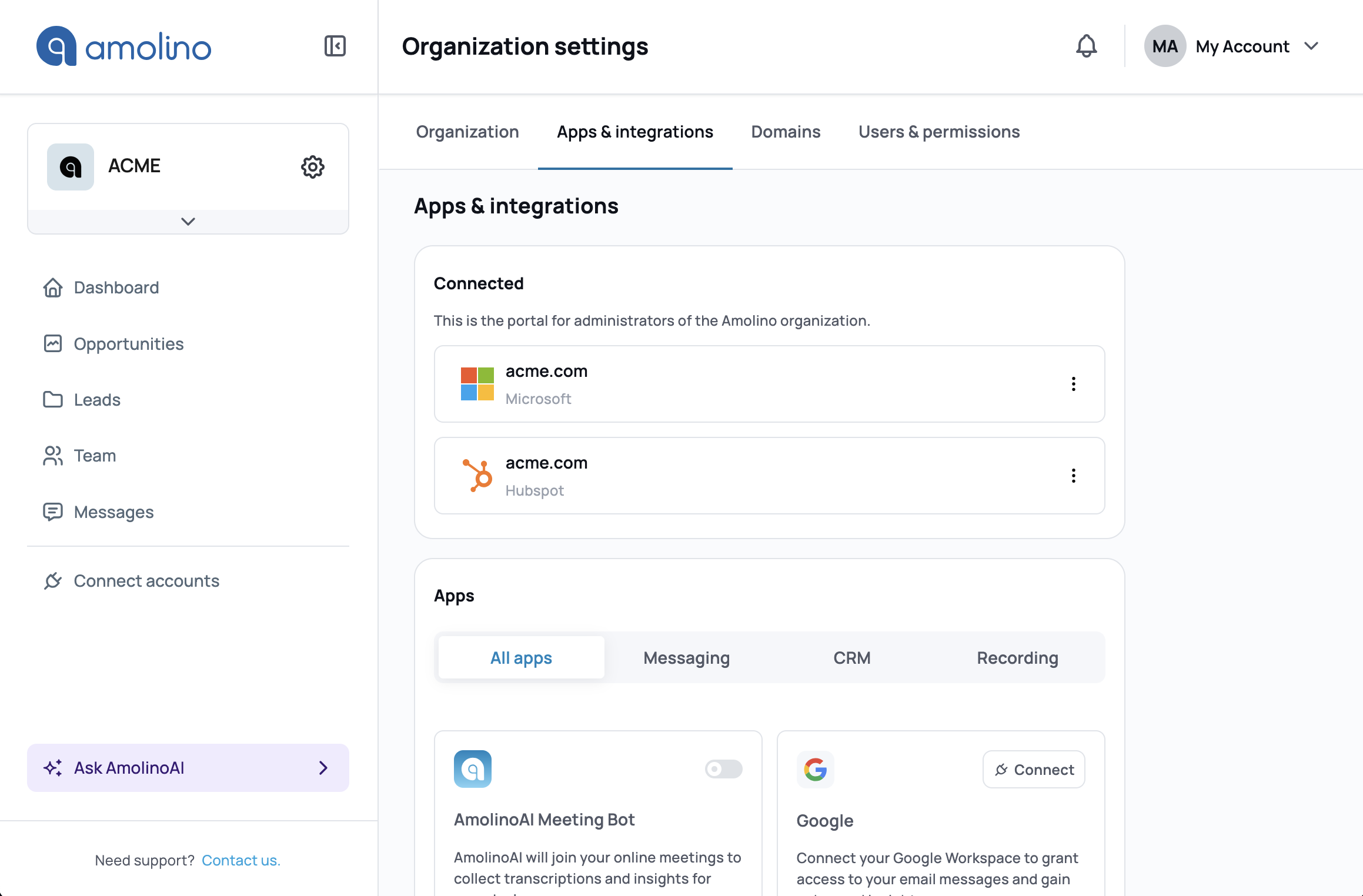
Find HubSpot in the list of available integrations towards the bottom of the page (under "Apps"). Click on "Connect" to start the integration process.
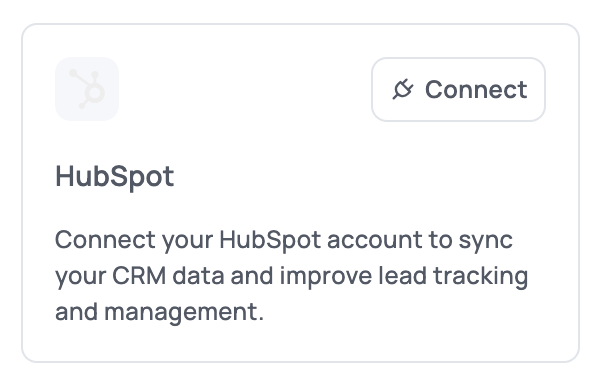
A popup will appear asking you to authorize the connection. Follow the instructions. The popup will close automatically at the end of the process, and HubSpot will be connected.
Related Articles
Google Workspace Integration Guide
Learn how to integrate with Google Workspace.
googlegoogle workspace
How to Grant Microsoft Permissions for Amolino
A guide for Microsoft administrators to approve Amolino's access to your Microsoft tenant.
microsoftintegration